Why is it free?
I built Undertone to solve my own problem: I couldn't find a decent free app that transcribes meetings without a bot or a cloud. It's a side project, so sharing it costs me nothing. There are no paid plans and no catch.
Does it work on Intel Macs?
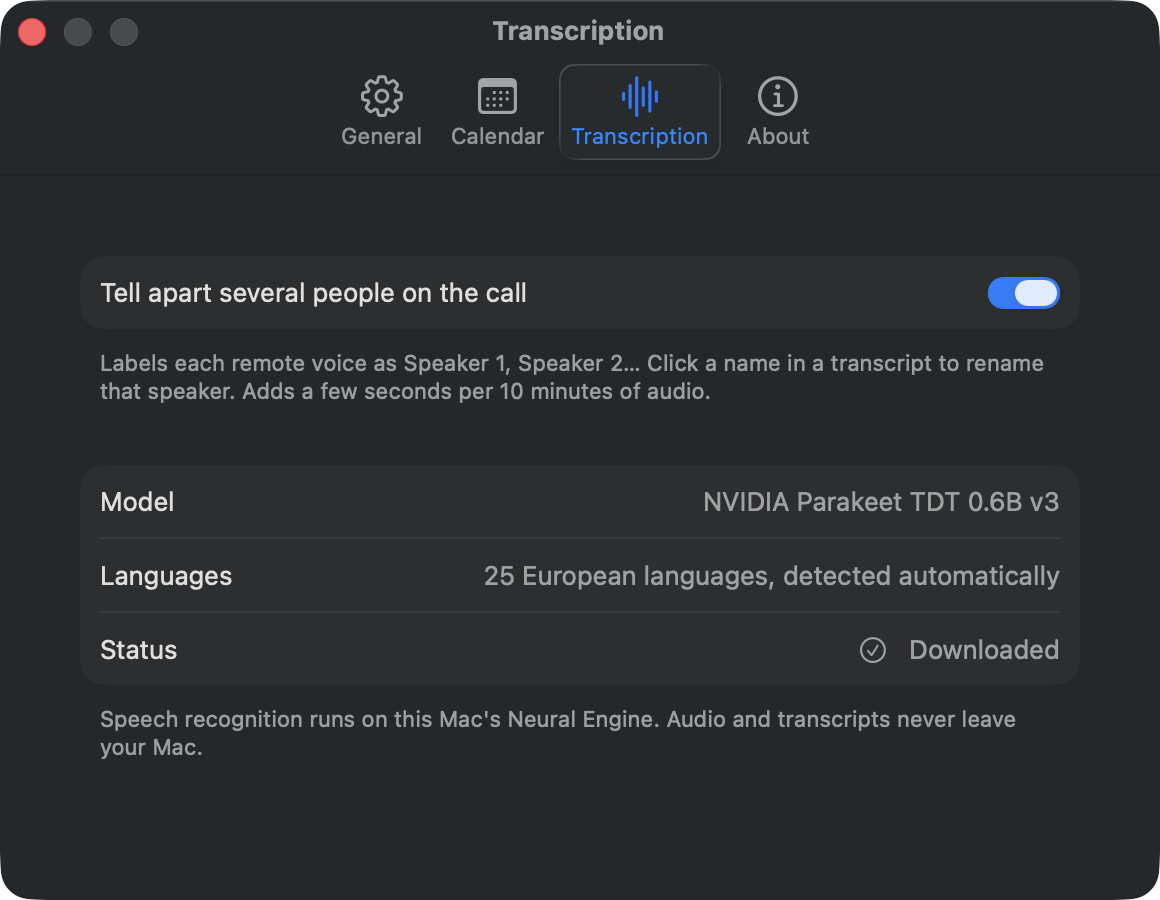
No. Speech recognition runs on the Neural Engine of Apple Silicon chips, so you need an M1 or newer.
Which call apps does it work with?
Any of them: Zoom, Google Meet in the browser, Microsoft Teams, Slack huddles, FaceTime, Discord. Undertone records what your Mac plays, not a specific app.
Can I see the transcript while the meeting is going?
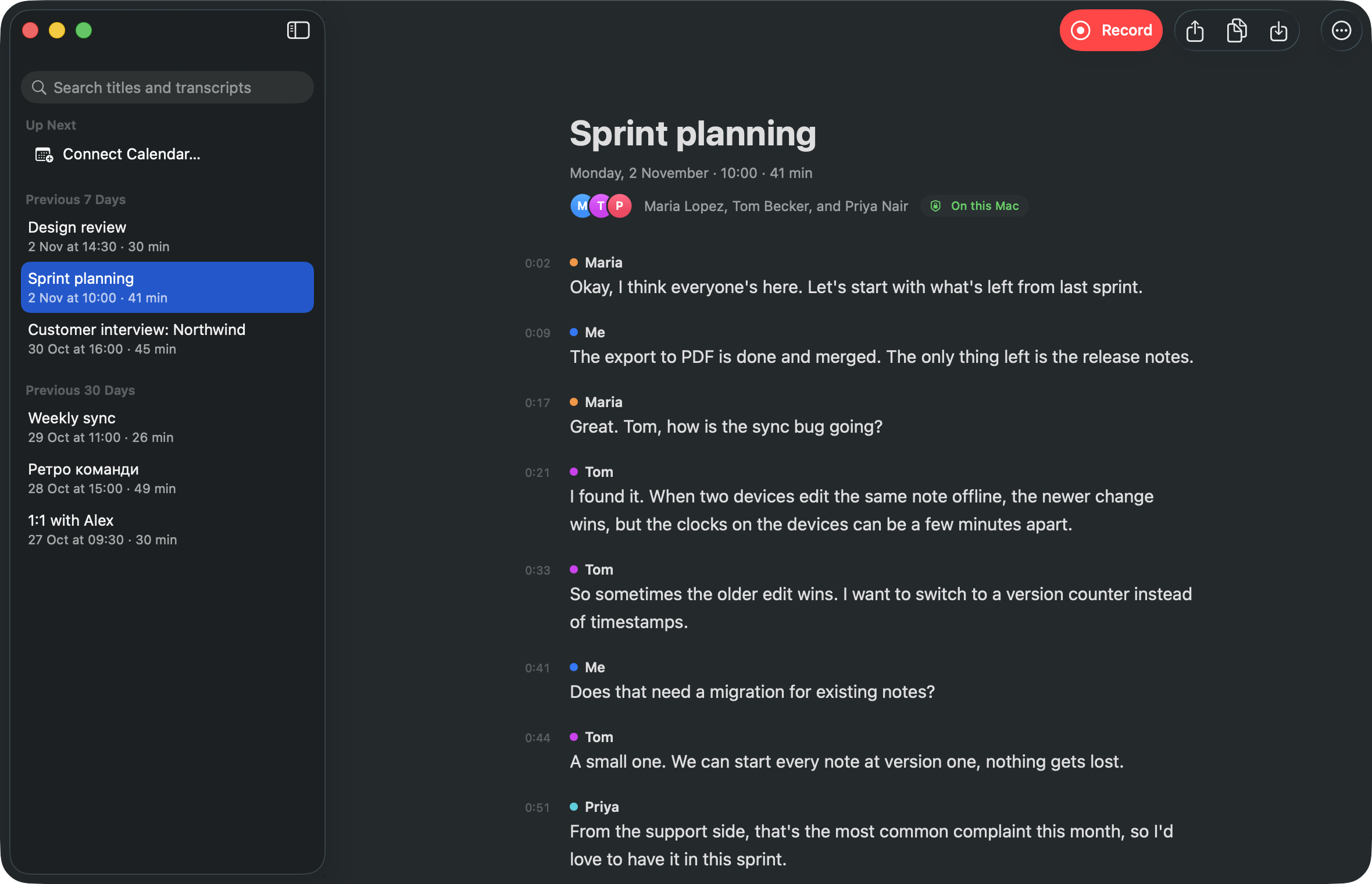
Not yet. The transcript is made right after you stop recording, which takes about a minute for an hour-long meeting.
Does Undertone use my Google account?
Only if you connect it in Settings → Google, which arrives in the next update. Undertone then reads your Google Calendar (read only) to show upcoming meetings with their attendees and Meet links, and, when you choose Save to Google Docs, creates a Google Doc with the transcript. It can only see the documents it created, never the rest of your Drive. Everything goes straight between your Mac and Google; nothing is sent to the developer. Details are in the privacy policy.
Where are my recordings?
In ~/MeetingNotes, one folder per meeting with the audio and the transcript as Markdown and JSON. You can change the folder in Settings, and delete anything any time.
Do I need to tell people I'm recording?
Yes, please do. Recording others may require their consent where you live, and it's polite anyway.
Something doesn't work. Where do I report it?
Open an issue on GitHub. For transcription problems, mention the meeting language and whether you used headphones. Feedback of any kind is very welcome.